
Five signs your phone battery is finished
Batteries fail gradually, then all at once. Here is what the slow part looks like.
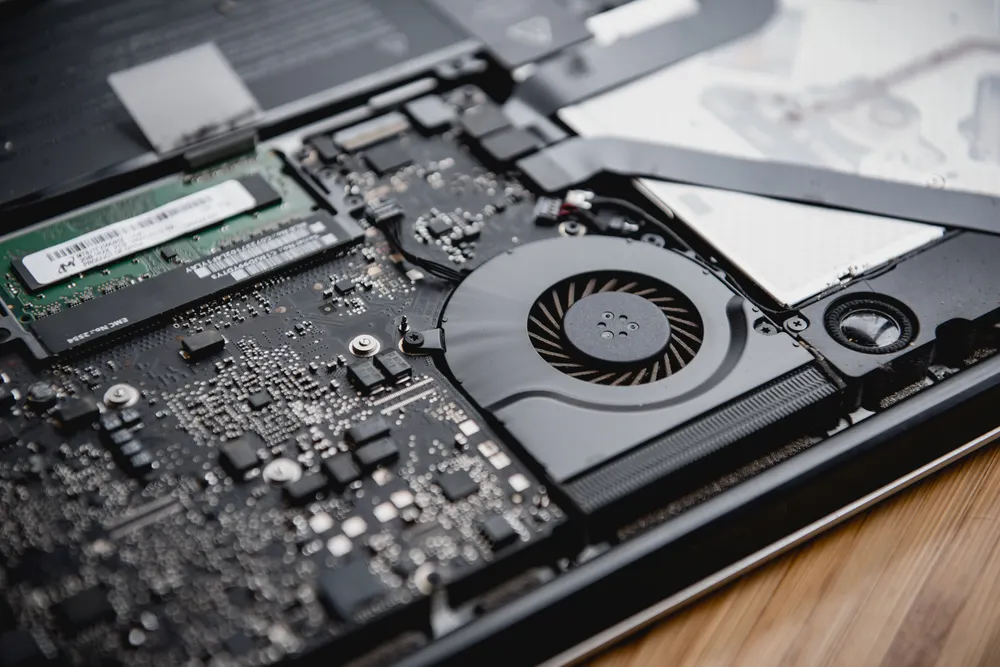
A hot laptop is not just uncomfortable. Heat is why a three-year-old machine feels slower than it did new, and in most cases the cause is one of four things.
Processors protect themselves. When a chip reaches its thermal limit it reduces its own clock speed to stop the temperature climbing — thermal throttling. The machine keeps working; it just does less work per second.
This is why overheating so often gets mistaken for "the laptop is old and needs replacing". The hardware is fine. It is simply refusing to run at full speed because it cannot get rid of the heat, and the moment cooling is restored the performance comes back.
The tell is timing. If your laptop is quick for the first ten minutes and sluggish after that, you have a cooling problem, not a capability problem.
A laptop pulls cool air in through vents on the underside and pushes hot air out of the side or back. Two years of dust builds a felt-like mat across the intake, and the fan ends up working hard to move very little air.
The everyday version of this is using a laptop on a bed, a sofa or a lap, where fabric blocks the intake completely. If your machine only overheats when it is not on a desk, that is your answer and it is free to fix.
Between the processor and the heatsink sits a thin layer of thermal compound that carries heat across the gap between them. It is a paste, and over three to five years it dries out, cracks and stops conducting.
When that happens the heatsink can be spotlessly clean and the fan can be working perfectly, and the chip will still cook, because the heat is not reaching the cooling system in the first place. Replacing the paste is a strip-down job and it is the single most effective fix for an older machine that runs hot at idle.
Fan bearings wear. The symptom is usually noise first — a rattle, a grinding, a rising whine — and then, when the fan finally stops spinning altogether, sudden shutdowns under load with no warning.
You can hear this one. Put your ear near the exhaust vent while the machine is working hard. Silence when it should be roaring is as much of a problem as a roar when it should be quiet.
Sometimes there is nothing wrong with the cooling at all and something is simply pinning the processor at 100%. A stuck sync client, a browser tab running a script in the background, an antivirus scan that never completes, a Windows update service caught in a loop.
Open Task Manager on Windows or Activity Monitor on a Mac and sort by CPU. If one process is sitting at the top consuming everything while you are doing nothing, you have found it — and no amount of cleaning fans will help.
Check the free things first: get the machine onto a hard surface, look at what is running, and listen to the fan. If it still runs hot, a strip, clean and repaste runs from $89 and takes a day, and on a machine three years or older it is usually transformative.
A failing fan is a part and typically lands in the same range. What is not worth paying for is a cooling pad — they help marginally with airflow but do nothing about dried paste or a dead fan, which is what you actually have.
Free · 24 hours · Thermal test under load
We run the machine under load and watch the temperatures and clock speeds, which shows whether you are throttling and where the heat is stuck. Free, and it takes the guesswork out of what to spend money on.
Keep reading
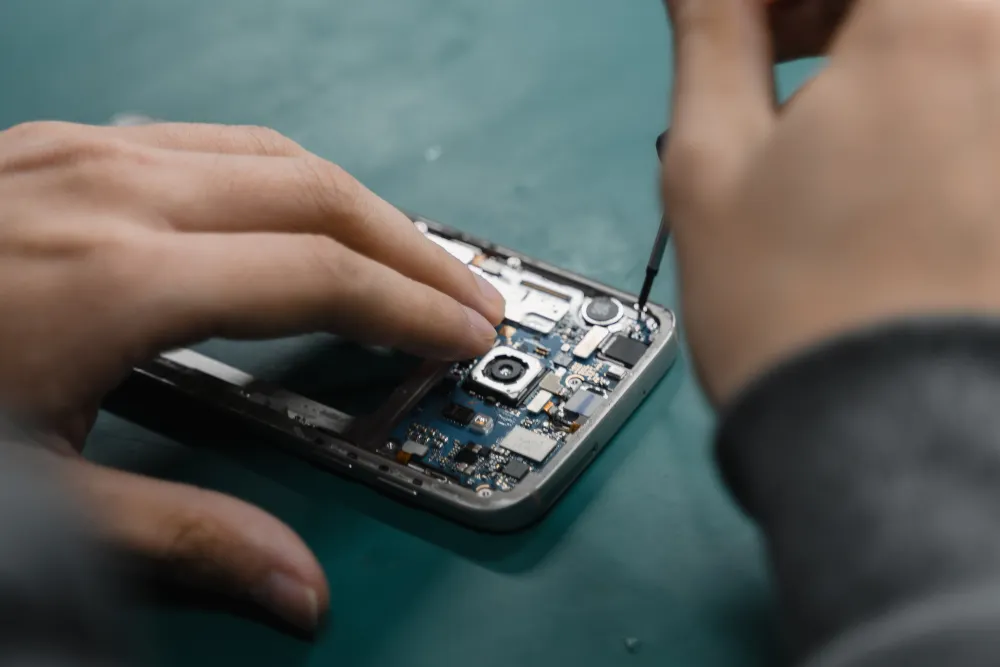
Batteries fail gradually, then all at once. Here is what the slow part looks like.
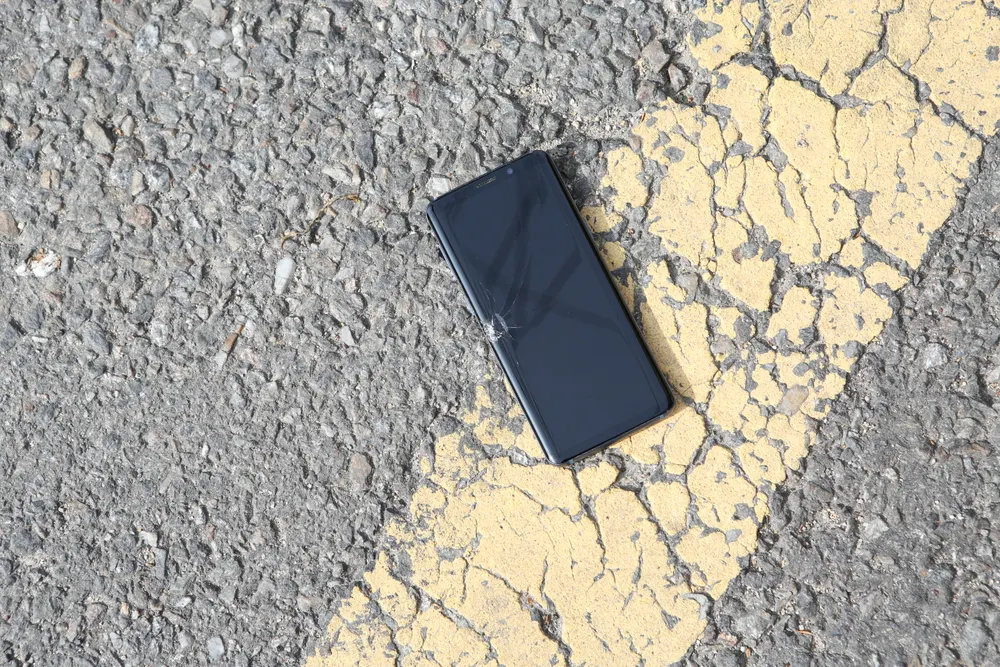
The rice thing does not work. What you do in the first few minutes genuinely does.

A dead HDMI port is a common, fixable fault, and it does not mean a new console.
Describe the fault and we will tell you what it takes to fix it, what it costs, and how long it will be away from you. The diagnostic is free whether or not you go ahead.
Walk-ins welcome · Mon–Fri 9–19 · Sat 10–17