
Five signs your phone battery is finished
Batteries fail gradually, then all at once. Here is what the slow part looks like.
Two components wear out long before the rest of a device does. Replacing them is the highest-value repair there is — and on most phones, it is done while you wait.

A screen and a battery are consumables in everything but name. The glass is the part most likely to meet the pavement, and the cell inside every phone, tablet and laptop is chemically guaranteed to hold less charge every year. Neither is a reason to replace a device that is otherwise doing its job perfectly well.
On batteries, the number worth knowing is capacity. Most manufacturers consider a cell worn out at 80% of its original capacity, which typically arrives somewhere between 400 and 600 full charge cycles — around two to three years of normal use. Below that, you get the classic symptoms: a phone that shuts down at 30% in the cold, a laptop that will not last a meeting, heat while doing nothing much.
On screens, the thing to understand is that "screen" can mean two different parts. The digitiser is the touch-sensitive glass on top; the display is the panel underneath that makes the picture. Cracked glass over a perfect picture is the cheaper repair. We check which one has actually gone before quoting, because assuming the expensive answer is how people end up overpaying.
Quoted before we start · Diagnostic free
| Repair | Typical turnaround | From |
|---|---|---|
| Phone battery replacement | 30 min | from $59 |
| Phone screen — LCD | 45 min | from $89 |
| Phone screen — OLED | 45 min | from $149 |
| Tablet battery replacement | 1–2 days | from $89 |
| Tablet screen replacement | 1–2 days | from $89 |
| Laptop battery replacement | 1 day | from $119 |
| Laptop screen replacement | 1–2 days | from $149 |
| Battery health check | 10 min | Free |
Prices start from the figures shown and depend on the model and the part fitted. You always get a fixed quote before any work begins, and the diagnostic is free whether or not you go ahead.
On iPhone it is Settings › Battery › Battery Health & Charging. On most Android phones it is under Settings › Battery, or in the device care section. On a Mac, hold Option and click the Apple menu, then System Information › Power. If you cannot find it, bring the device in and we will read it for free.
Treat it as urgent. A swelling cell is under internal pressure and puncturing it — including by pressing on a lifting screen — can cause a fire. Stop charging it, stop using it, and bring it in. We dispose of swollen cells safely.
The same as the original did: roughly two to three years of normal use before it drops to 80% capacity. Keeping the device off a charger overnight every night and out of hot cars extends that noticeably.
Phone screens and batteries, yes — usually 30 to 45 minutes. Tablets and laptops need the adhesive to cure properly, so those are next-day jobs.
Related reading
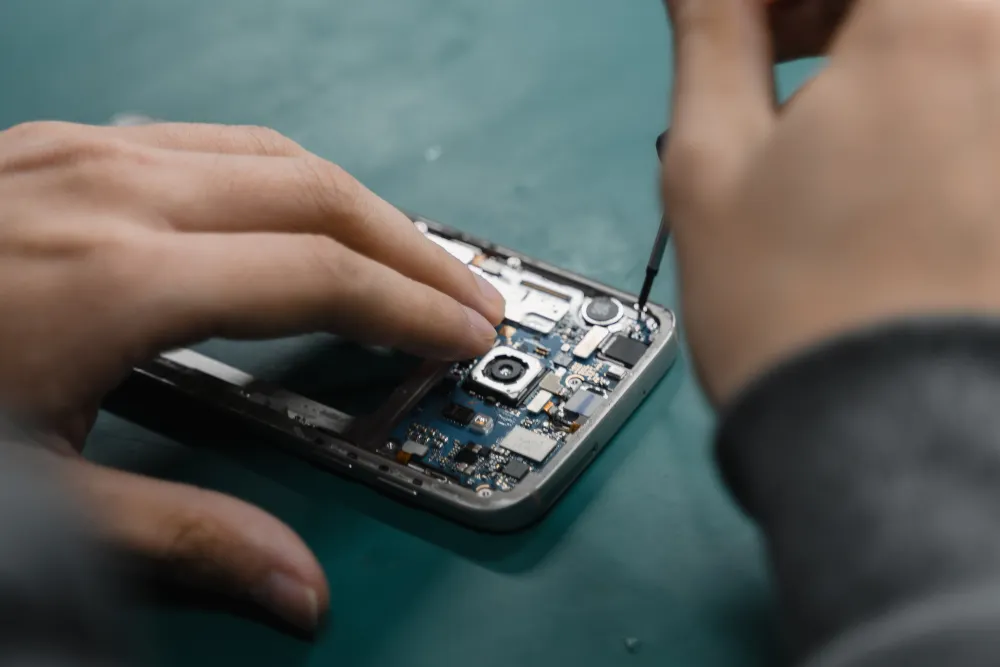
Batteries fail gradually, then all at once. Here is what the slow part looks like.
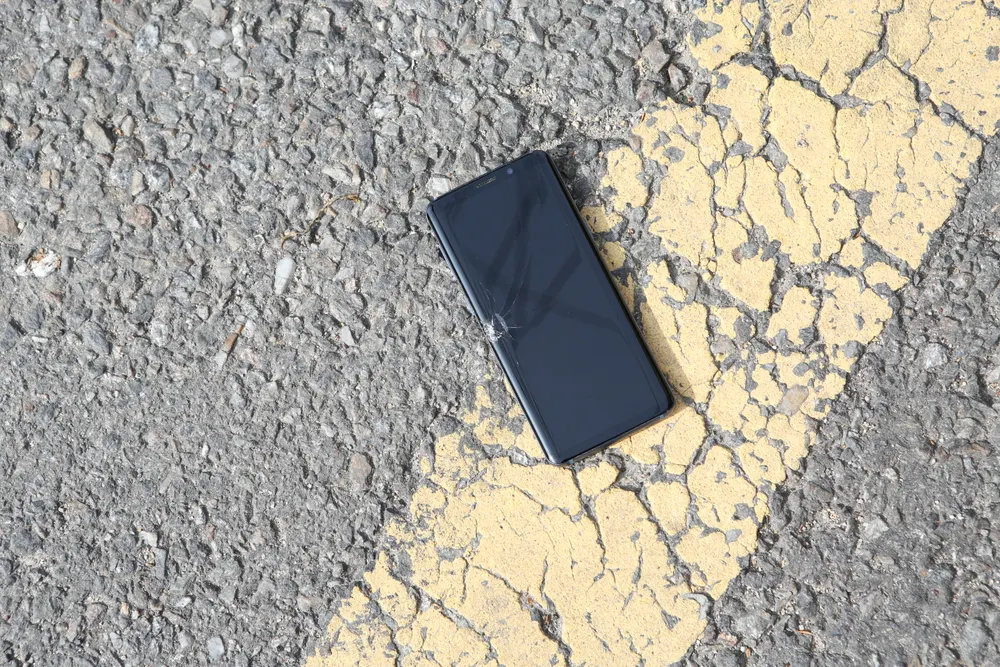
The rice thing does not work. What you do in the first few minutes genuinely does.
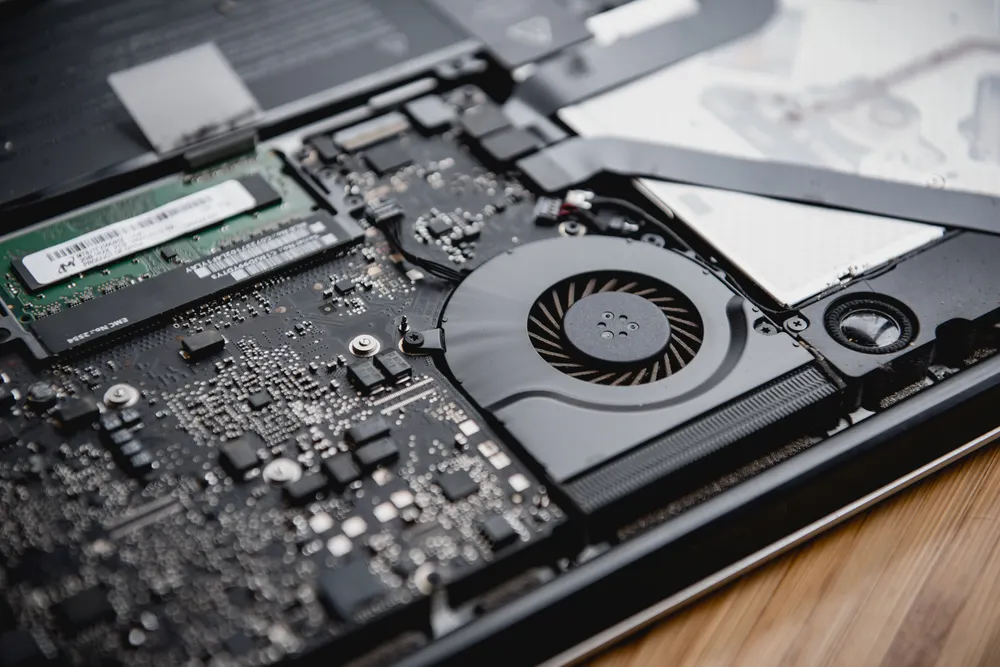
Fans, dust, thermal paste and the software that quietly pins your CPU at 100%.
Tell us the device and what it is doing. We will confirm the fault for free and give you a fixed price before anything is opened.
Walk-ins welcome · Mon–Fri 9–19 · Sat 10–17