
Five signs your phone battery is finished
Batteries fail gradually, then all at once. Here is what the slow part looks like.
Tablets are the fiddliest repairs on the bench. Large panels, strong adhesive and thin glass mean the difference between a good repair and a cracked one is patience and the right tools.
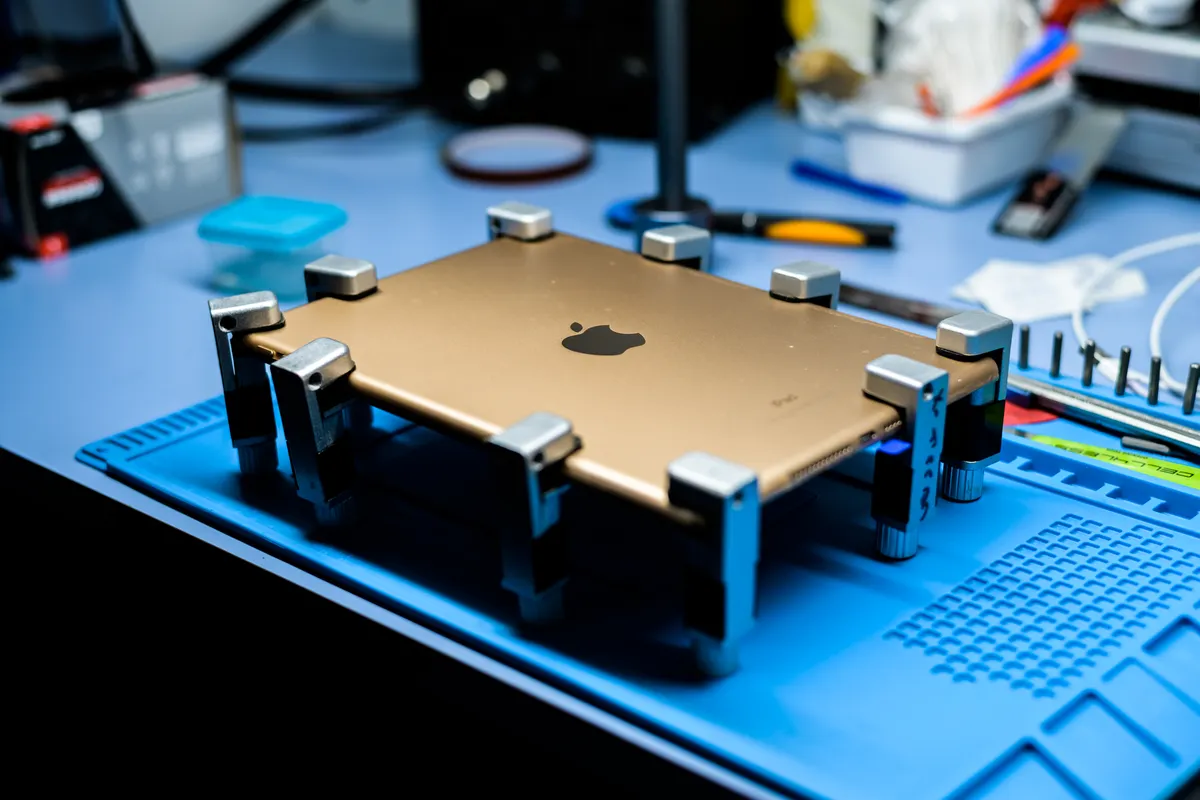
On most tablets the glass and the display are separate layers, which matters for what you pay. If only the outer digitiser is cracked and the picture underneath is perfect, that is the cheaper repair. If the display itself is showing lines, black patches or bleeding colour, the whole assembly goes. We check which one you have before quoting rather than defaulting to the expensive answer.
Batteries in tablets are large, glued down and sit directly under the screen, so replacing one means opening the device properly. It is worth doing: a tablet that used to last a week on standby and now needs charging every other day almost always has a tired cell rather than a software problem.
Charging ports take a beating on tablets used with keyboard cases and stands, where the cable is constantly at an angle. As with phones, a port that only works in one position is a worn port, not a worn cable.
Quoted before we start · Diagnostic free
| Repair | Typical turnaround | From |
|---|---|---|
| Digitiser / glass replacement | 1–2 days | from $89 |
| Full screen assembly replacement | 1–2 days | from $129 |
| Battery replacement | 1–2 days | from $89 |
| Charging port replacement | 1–2 days | from $89 |
| Rear housing repair | 2–3 days | from $99 |
| Water damage treatment | 2–4 days | from $119 |
| Diagnostic | 24 hours | Free |
Prices start from the figures shown and depend on the model and the part fitted. You always get a fixed quote before any work begins, and the diagnostic is free whether or not you go ahead.
The panel is several times larger, the adhesive is stronger, and the glass is thinner relative to its area — which makes both the part and the labour more expensive. It is still typically a quarter of the price of replacing the tablet.
If it still gets security updates and does what you need, usually yes. An iPad that is only being used for video, reading and browsing does not need to be current, and a screen or battery repair adds years to it.
Yes. Pencil support depends on the digitiser layer, which we test for pressure and tilt response before the tablet goes back to you.
You can, but cracked glass lets dust and moisture reach the display underneath and turns a digitiser-only repair into a full assembly replacement. Fixing it early is the cheaper option.
Related reading
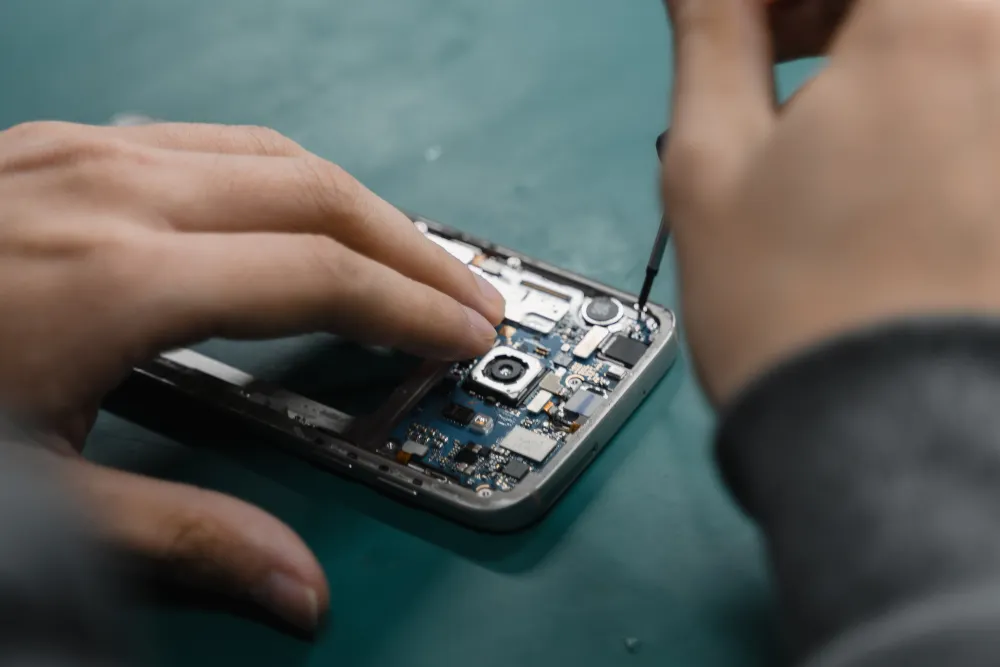
Batteries fail gradually, then all at once. Here is what the slow part looks like.
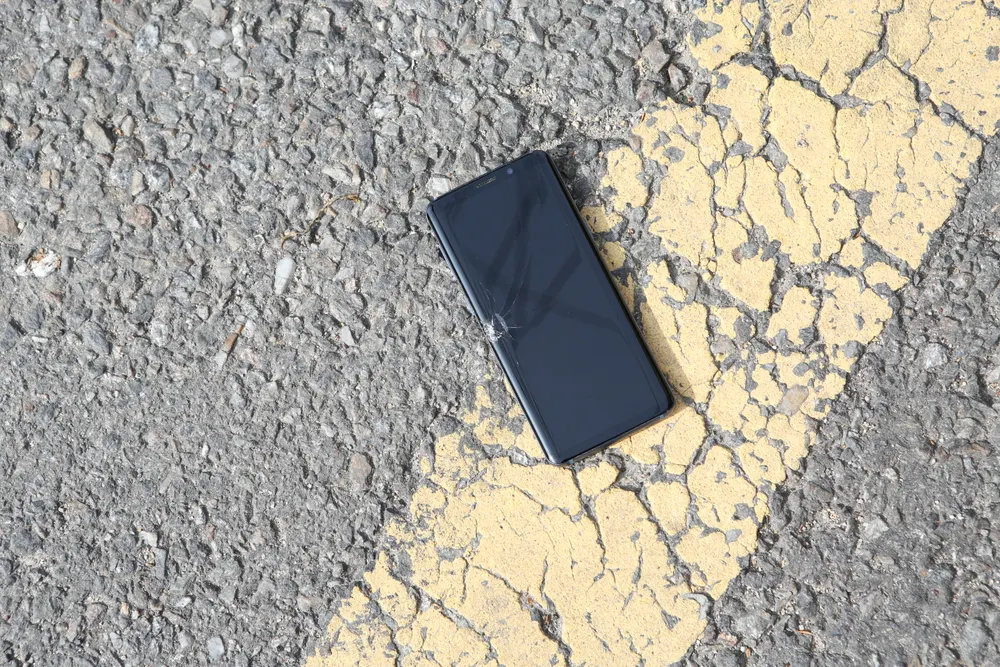
The rice thing does not work. What you do in the first few minutes genuinely does.
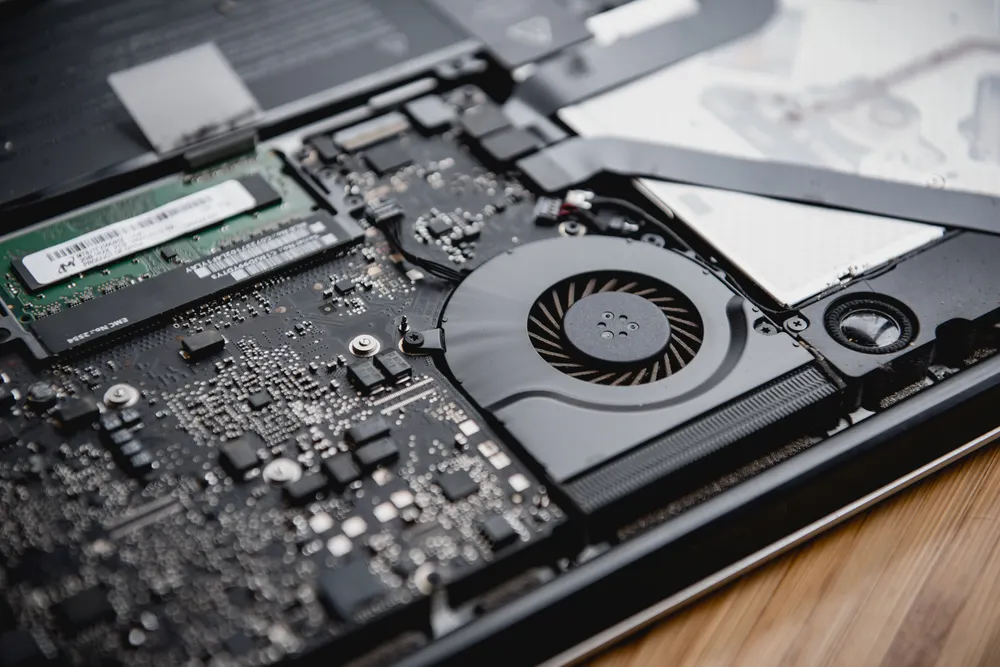
Fans, dust, thermal paste and the software that quietly pins your CPU at 100%.
Tell us the device and what it is doing. We will confirm the fault for free and give you a fixed price before anything is opened.
Walk-ins welcome · Mon–Fri 9–19 · Sat 10–17