
Five signs your phone battery is finished
Batteries fail gradually, then all at once. Here is what the slow part looks like.
Laptops usually give warning before they fail. Fans get louder, the case gets hotter, the battery drops off a cliff, boot takes a minute longer each month. Those are all fixable.
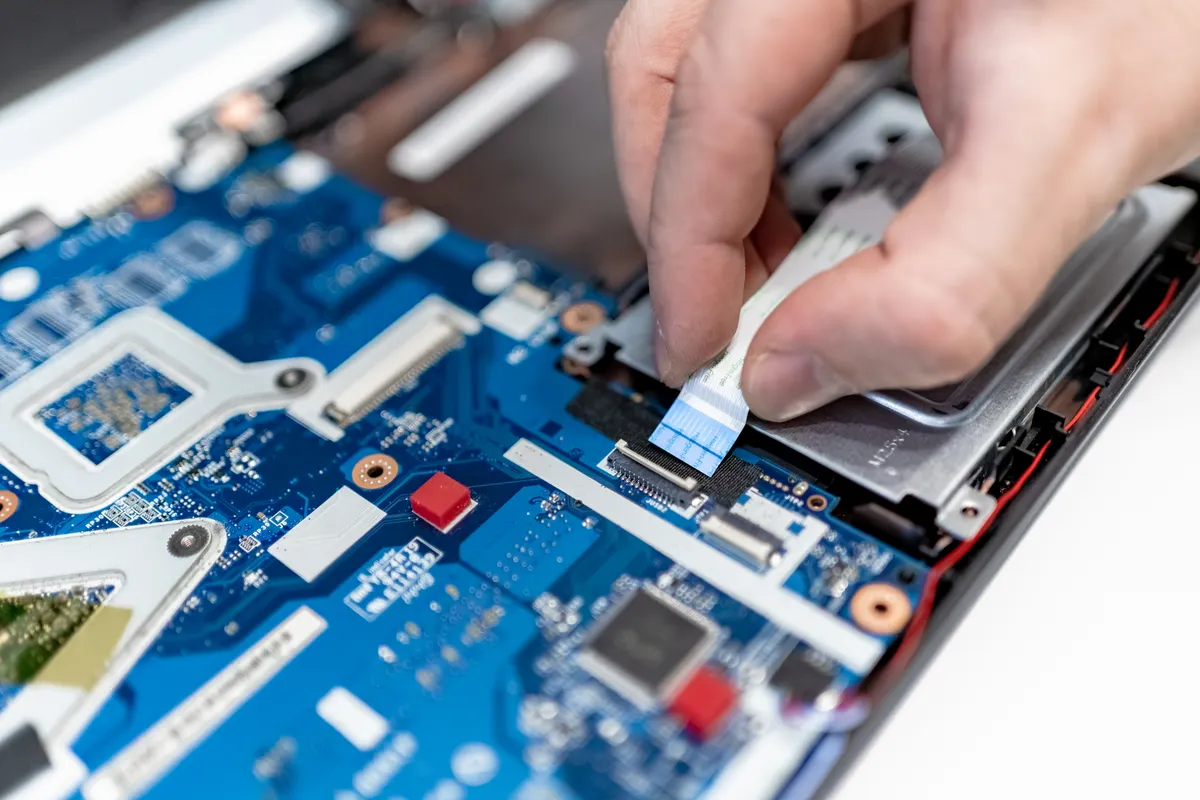
The most useful thing we do for a laptop is work out whether the problem is hardware or software, because the two look identical from the outside. A machine that takes three minutes to reach the desktop might have a failing drive, or it might have a startup folder full of things nobody asked for. One is a parts job and one is an hour of work, and you should not pay for the wrong one.
Screens, keyboards and batteries are the parts that physically wear out, and all three are replaceable on almost every model we see — including most MacBooks, where a hinge or a single dead key does not require a whole new top case. Storage is worth mentioning separately: putting an SSD into a machine that still has a spinning hard drive is the single biggest speed improvement available for the money, and it usually costs less than the screen.
Heat is the quiet killer. Dust builds up in the fan intake, thermal paste dries out, and the processor starts throttling itself to stay safe — so the machine gets slower and hotter at the same time. A strip, clean and repaste takes an afternoon and often makes a four-year-old laptop feel like it did new.
Quoted before we start · Diagnostic free
| Repair | Typical turnaround | From |
|---|---|---|
| Diagnostic | 24 hours | Free |
| Screen replacement | 1–2 days | from $149 |
| Battery replacement | 1 day | from $119 |
| Keyboard replacement | 1–2 days | from $129 |
| SSD upgrade incl. data transfer | 1 day | from $99 + drive |
| Fan clean and thermal repaste | 1 day | from $89 |
| Liquid damage clean | 2–4 days | from $129 |
| OS reinstall and setup | 1 day | from $99 |
Prices start from the figures shown and depend on the model and the part fitted. You always get a fixed quote before any work begins, and the diagnostic is free whether or not you go ahead.
Often, yes. If the repair costs less than half of what a comparable replacement would, and the machine is otherwise doing its job, repairing it is the better buy. We will tell you honestly when it is not — an older machine needing a board repair usually is not.
Not on a screen, keyboard, battery or fan job — those never touch the drive. If we are replacing storage, we clone your existing drive first and hand back the old one so you keep a copy.
Yes, including screens, batteries, keyboards, trackpads, ports and liquid damage. We are independent, so we can also work on models Apple has moved to vintage or obsolete status.
No. Shut it down, unplug it, and bring it in. Every attempt to power a wet board on risks turning a cleanable problem into a short circuit that is not repairable.
Related reading
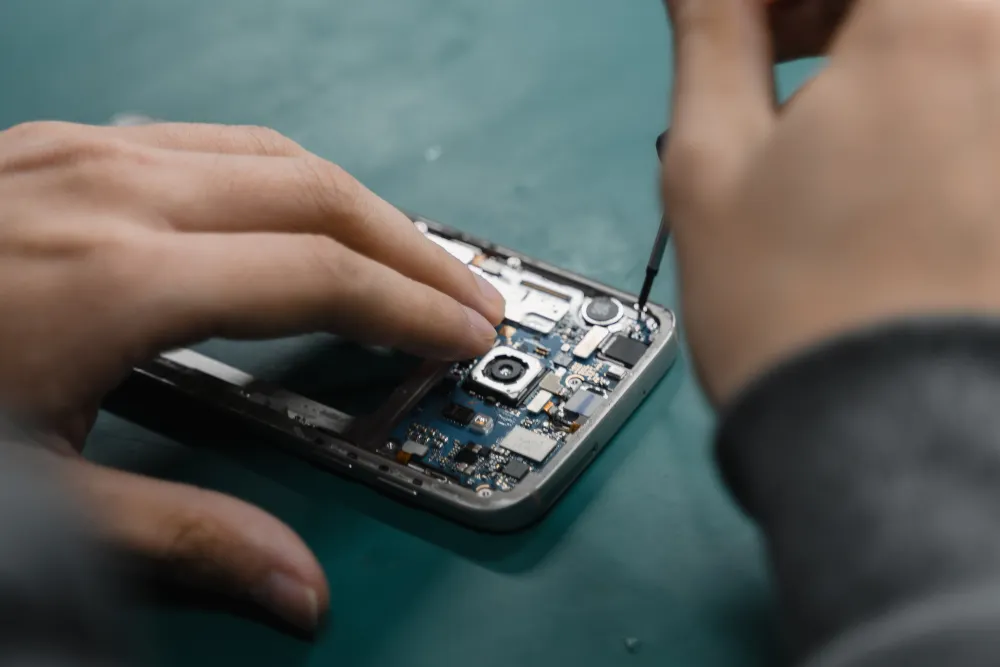
Batteries fail gradually, then all at once. Here is what the slow part looks like.
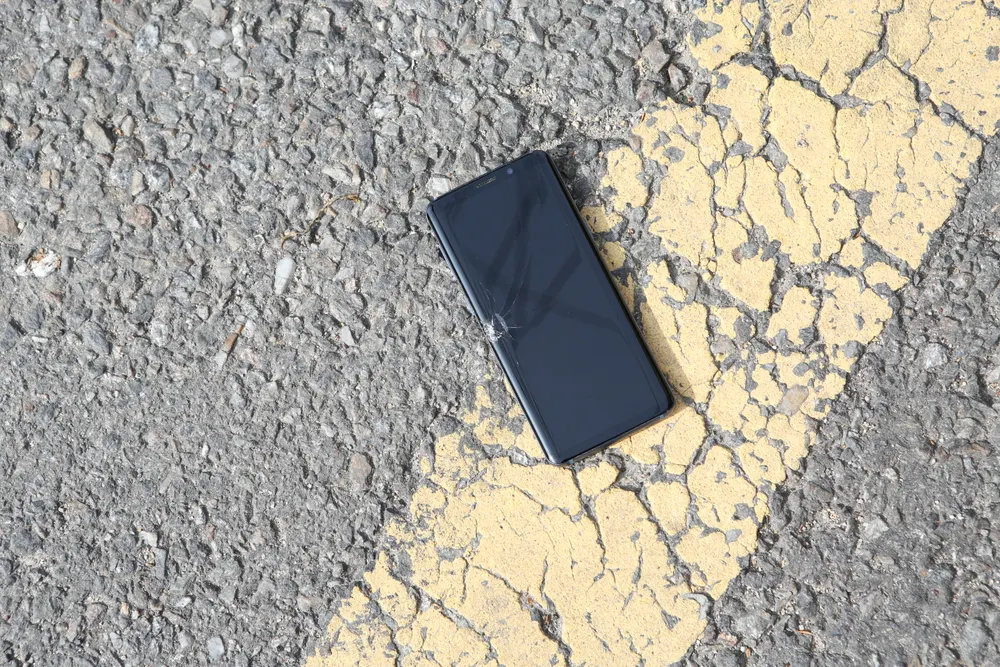
The rice thing does not work. What you do in the first few minutes genuinely does.
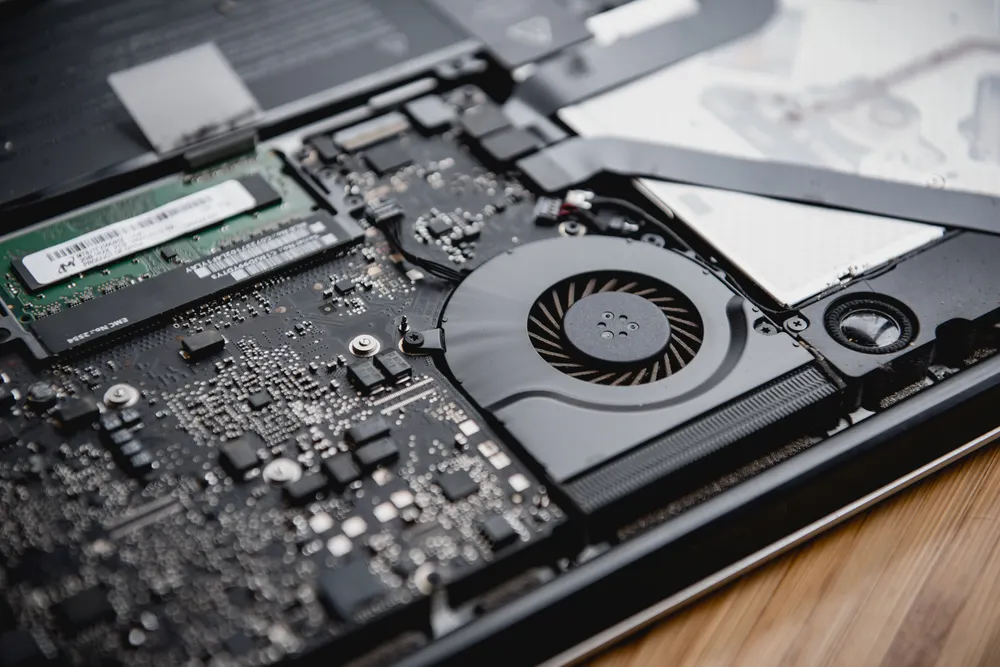
Fans, dust, thermal paste and the software that quietly pins your CPU at 100%.
Tell us the device and what it is doing. We will confirm the fault for free and give you a fixed price before anything is opened.
Walk-ins welcome · Mon–Fri 9–19 · Sat 10–17