
Five signs your phone battery is finished
Batteries fail gradually, then all at once. Here is what the slow part looks like.
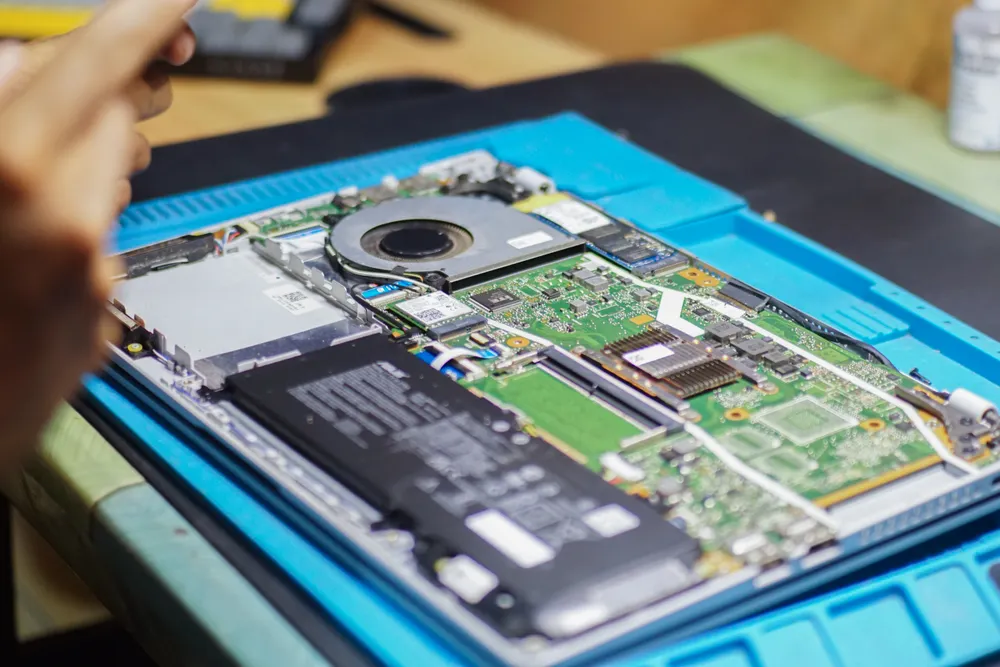
Most repairs never touch your storage. Backing up first is still worth fifteen minutes, because the one time it matters, it matters enormously.
Screen, battery, charging port, camera and fan repairs do not involve the storage in any way. Your files are not moved, read or altered, and in normal circumstances there is nothing to worry about.
The jobs where storage is involved are the ones to back up for: anything involving the drive itself, an operating system reinstall, liquid damage, or a device that will not power on. In those cases the data may already be in trouble before we start.
The honest framing is this: backing up is not about distrusting the repair. It is that a device already showing one fault may be showing others you have not noticed yet, and a backup costs you a quarter of an hour.
On iPhone, go to Settings, tap your name at the top, then iCloud › iCloud Backup, and choose Back Up Now. Leave it on Wi-Fi and plugged in until it finishes. If you are short of iCloud space, connecting to a computer and backing up locally through Finder or iTunes does the same job without a subscription.
On Android, open Settings › Google › Backup and tap Back up now. Photos are handled separately by Google Photos, so open that app and check it has finished syncing before you hand the phone over — that is the part people most often assume is done when it is not.
On a Mac, Time Machine to an external drive is the complete answer: it captures everything including your applications and settings, so a restored machine is genuinely the same machine.
On Windows, File History covers your documents and pictures, and a manual copy of your user folder to an external drive covers the rest. Whichever you use, verify it afterwards — open the backup drive and check a few files actually open. An unverified backup has a habit of being an empty folder.
Do not rely on a cloud sync folder alone. OneDrive, Dropbox and iCloud Drive are sync services, not backups: delete a file on the laptop and it deletes everywhere, which is exactly the failure mode a backup is supposed to protect you from.
A phone with a broken screen can often still be backed up. If the touch layer is dead but the display works, a USB-C or Lightning mouse plugged into the phone will let you navigate. If the display is dead but touch works, you can sometimes still connect to a computer and trigger a backup from there.
If neither works, tell us before we start. We can frequently back the device up ourselves once a temporary screen is fitted, before doing anything else — but only if we know that is what you want.
Run through this before you leave the house:
We ask for it because a repair cannot be properly tested without it. Checking that Face ID works, that the cameras focus, that the speakers play and that touch registers across the whole screen all require the device to be unlocked.
If you would rather not share it, that is entirely reasonable — say so, and we will hand the device back untested with the parts of the check we could not complete clearly listed. It just means anything missed becomes a second visit.
Ask at the counter
Ask us when you drop the device off. We will tell you plainly whether the job involves the storage, and if the screen is dead we can often back it up for you before starting anything else.
Keep reading
Batteries fail gradually, then all at once. Here is what the slow part looks like.
The rice thing does not work. What you do in the first few minutes genuinely does.
Fans, dust, thermal paste and the software that quietly pins your CPU at 100%.
Describe the fault and we will tell you what it takes to fix it, what it costs, and how long it will be away from you. The diagnostic is free whether or not you go ahead.
Walk-ins welcome · Mon–Fri 9–19 · Sat 10–17