
Five signs your phone battery is finished
Batteries fail gradually, then all at once. Here is what the slow part looks like.

There is a straightforward rule for this decision that gets it right most of the time, plus three situations where you should ignore it.
If the repair costs less than half of what a comparable replacement would cost, repair it. If it costs more than half, think hard.
A $89 screen on a phone worth $400 is an easy yes. A $300 board repair on a six-year-old laptop worth $250 is an easy no. The rule is crude, but it puts most decisions in the right column within about ten seconds, and it stops people replacing perfectly good devices over a $59 battery.
The comparison that matters is a device equivalent to what you have, not the newest model in the shop. If your five-year-old laptop does everything you ask of it, the replacement cost is what a similar machine costs — not what a current flagship costs.
If the device holds something irreplaceable and unbacked-up, the rule does not apply. You are not paying to fix a phone; you are paying to recover four years of photographs, and there is no replacement device that comes with those in it.
In that case, spend what it takes to get the data out, then decide about the hardware separately and calmly.
A repair is only sensible if the part will still be available next time. Once a manufacturer stops producing screens and boards for a model, prices climb and quality falls, and you can end up paying more for a worse part than you did three years earlier.
This is worth asking about directly. We will tell you when a device is in that territory, because a repair we know will be hard to repeat is not a repair we want to sell you.
One failure is bad luck. Three in twelve months is a device telling you something. Cumulative small repairs quietly add up past the value of the machine, and each one buys less time than the last.
Add up what you have already spent this year before agreeing to the next repair. If the total is approaching replacement cost, the rule has already been broken; it just happened in instalments.
Beyond the arithmetic, a few things quietly favour repair more than people expect. A repaired device carries no setup cost — no migrating accounts, no reinstalling everything, no learning a new operating system version. And the environmental maths is not close: manufacturing a new phone accounts for the overwhelming majority of its lifetime carbon footprint, so keeping one running longer is the single most effective thing most people can do about it.
Any repair shop worth using will tell you when not to repair something. We do, regularly, and it costs us the job — which is rather the point. A free diagnostic that ends with "this one is not worth fixing, here is why" is still a useful visit.
Free · No obligation · Honest answer
Bring the device in. We will tell you what is wrong, what the repair costs, and whether we would spend the money if it were ours. Sometimes the answer is no.
Keep reading
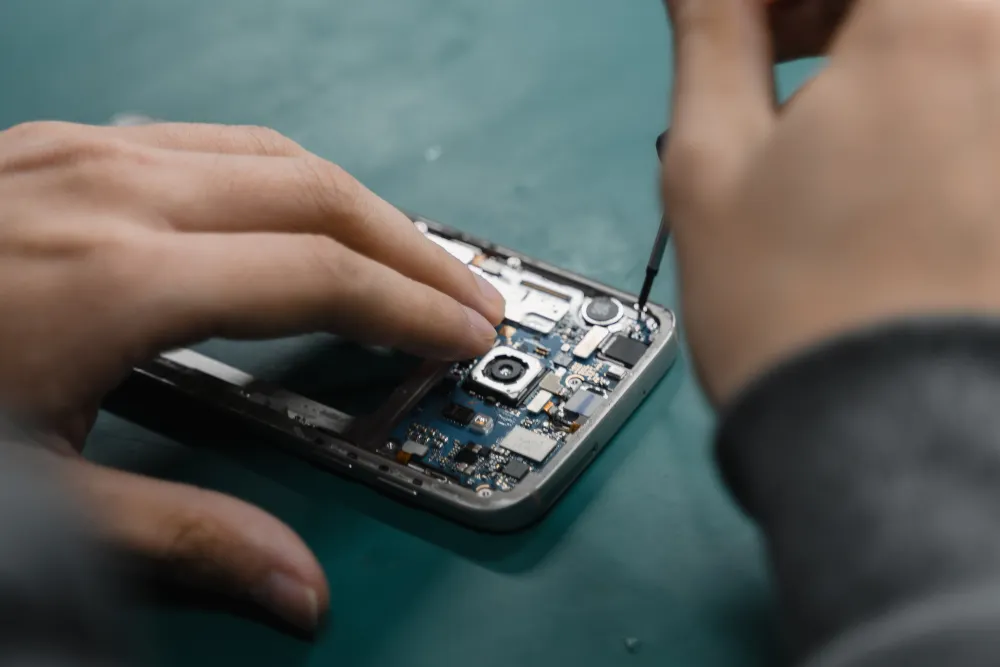
Batteries fail gradually, then all at once. Here is what the slow part looks like.

The rice thing does not work. What you do in the first few minutes genuinely does.
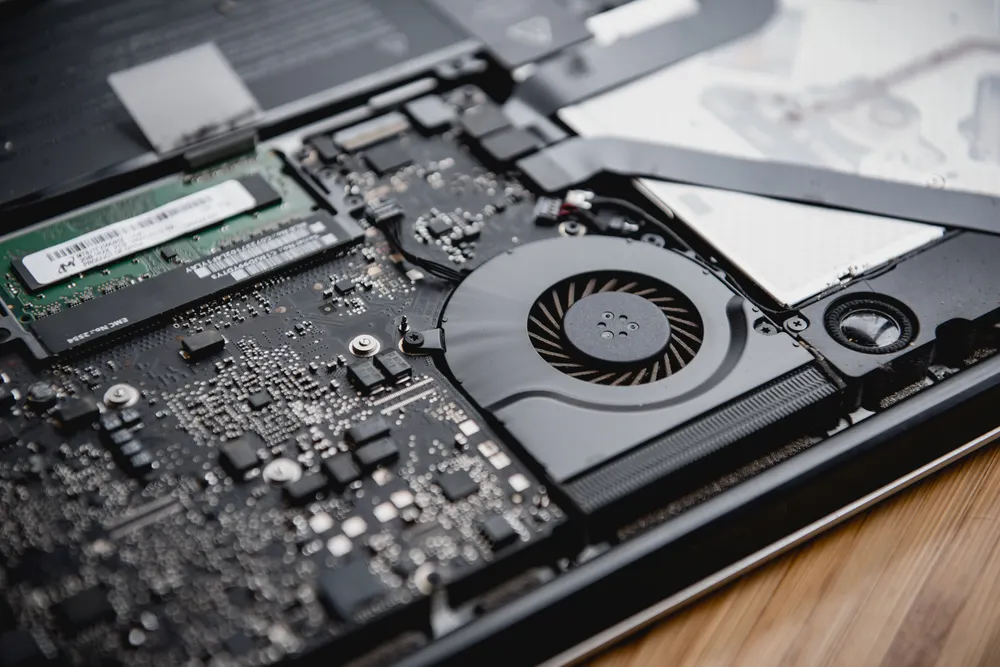
Fans, dust, thermal paste and the software that quietly pins your CPU at 100%.
Describe the fault and we will tell you what it takes to fix it, what it costs, and how long it will be away from you. The diagnostic is free whether or not you go ahead.
Walk-ins welcome · Mon–Fri 9–19 · Sat 10–17